
Here is how you can start mining PamCoin
It's for ESP32 modules only. Follow this guide.
Step 1: Wallet Setup
First, you need an address to receive your mined PamCoin.
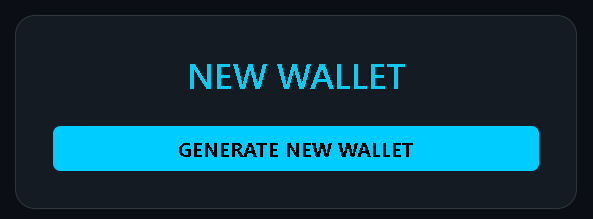
- Visit pamcoin.eu/generate.
- Generate a new wallet.
- IMPORTANT: After generated your wallet, you will get
pamwallet.datfile. Without it, you will have no access to your funds. You open your wallet with only this file. Yourpamwallet.datbelongs only to you.

Step 2: ESP32 Hardware Preparation
PamCoin mining is conducted exclusively through specialized firmware for ESP32 modules.
- Ensure your ESP32 module is connected to a stable Wi-Fi network.
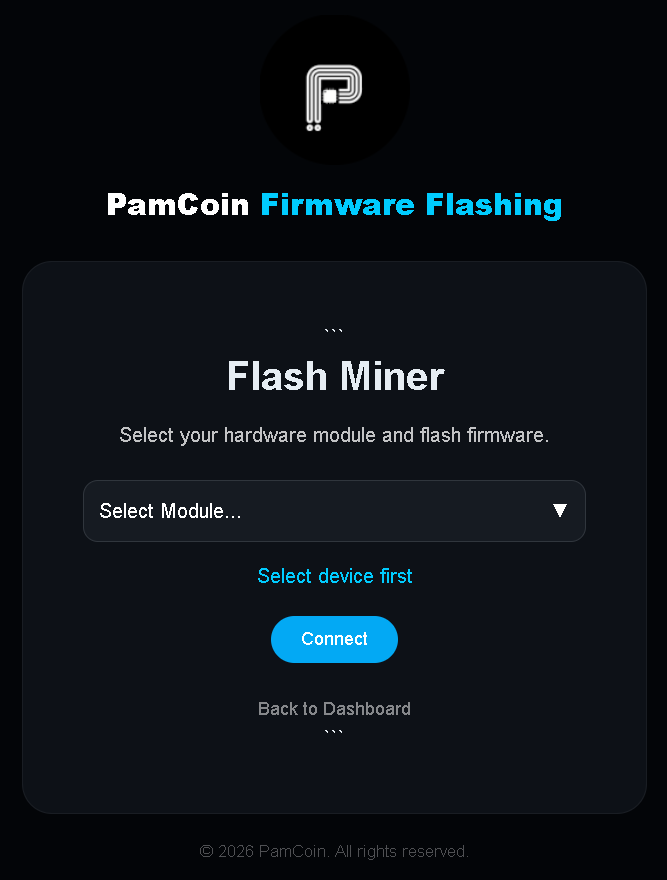
- Visit pamcoin.eu/flash.
- Flash the "PamHashV2" firmware onto your module using connection cable, port.
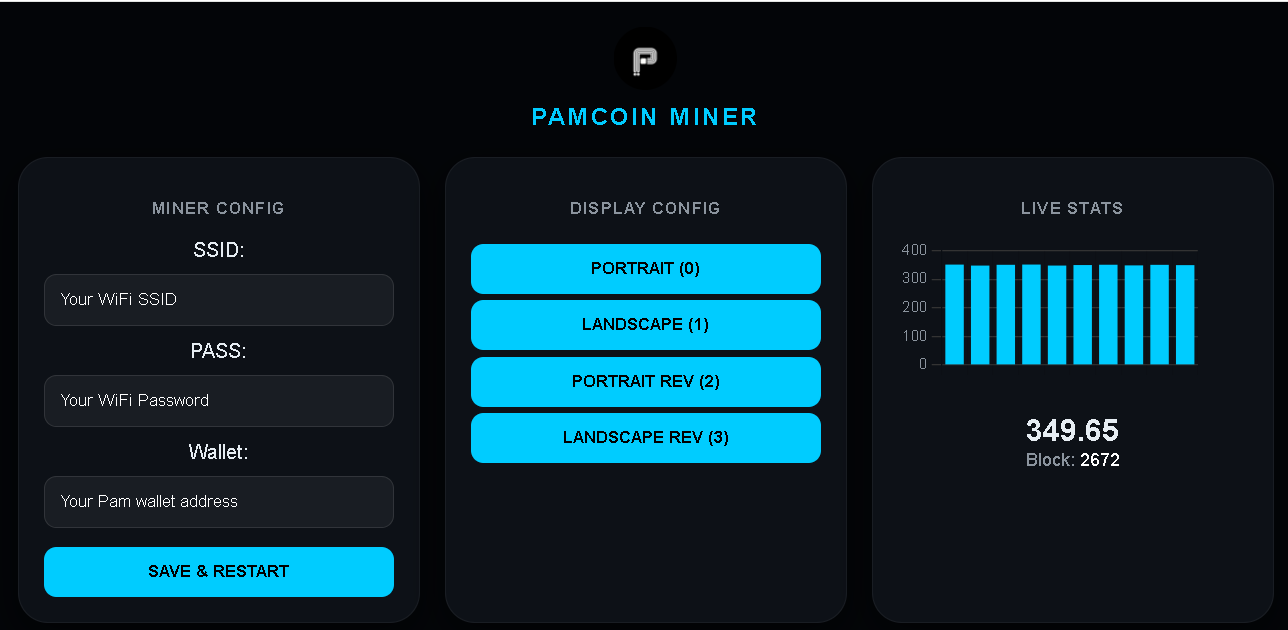
- At WiFi hotspots will pop up PamCoin_Config, connect(192.168.4.1 or your SoftAP IP hotspot) enter your wallet public address and set WiFi.
Step 3: Start Mining
Once the module is configured, it will automatically connect to the Validator-Core.
You can monitor your hashrate on our dashboard. Average performance: 1 - 6MH/s. Depends what module.
Tip: Make sure you'r flashing right ESP32 board. If flashed and nothing happens, try flash with other module selected or hold BOOT key and try again.